The Problem With Risk That Lives in Isolation
Risk management teams identify the problems. Operations teams fix them. But in most industrial enterprises, those two worlds run on entirely different platforms — and the handoff between risk intelligence and real-world action is slow, manual, and prone to things falling through the cracks.
Parakeet Risk is built as a system of action for third-party risks, not just a system of record. Its latest integration with ClickUp — one of the most widely adopted all-in-one work management platforms for enterprise teams — brings Rosella, Parakeet's AI agent, directly into the workflows where your team already tracks, assigns, and executes work.
Why ClickUp for Risk Teams?
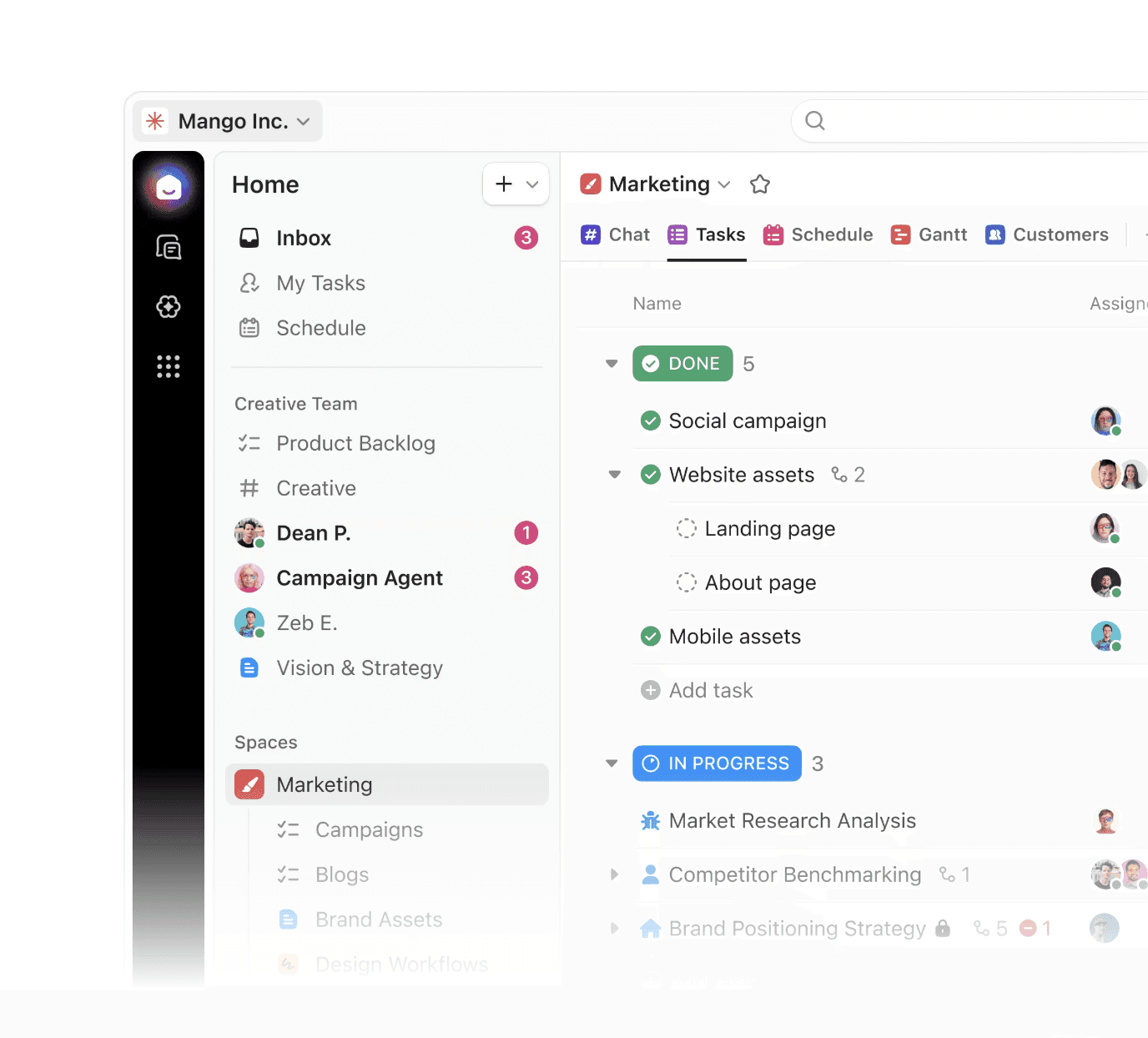
ClickUp is more than a to-do list. It's an enterprise-grade work operating system used across industries for managing tasks, projects, docs, goals, and team communication from a single interface. Its structure of Spaces, Folders, Lists, Tasks, and Subtasks gives risk and compliance teams the organizational granularity they need to manage complex workflows with multiple owners, dependencies, and deadlines.
What Rosella Can Do in ClickUp
Rosella pulls back your tasks with direct links so your team can navigate straight to the relevant item in ClickUp without toggling between platforms.
What makes this powerful is Rosella's dual awareness: it understands both your risk data in Parakeet (vendor scores, insurance gaps, compliance flags, risk register entries) and your work data in ClickUp, so it can surface meaningful connections — for example, flagging a vendor with a lapsed certificate of insurance that has no open remediation task assigned.
This turns Parakeet's risk findings into assigned, trackable, accountable work items the moment they're identified:
Flag a subcontractor with a missing safety certification → instantly push a verification task to your compliance team's ClickUp List
Identify a vendor risk score drop during continuous monitoring → create a review task with context already embedded
Complete a prequalification audit and surface action items → sync remediation steps to the relevant project folder in ClickUp
Generate a risk register entry in Rosella → assign follow-up tasks to owners directly from the conversation
Use Parakeet and ClickUp for the Industrial Risk Management
The ClickUp integration is part of Parakeet's broader commitment to expanding Rosella's action surface across the enterprise tools industrial teams rely on. Syncing tasks between Parakeet and ClickUp gives risk managers tighter oversight of the risk-to-remediation lifecycle.
For enterprise risk managers in manufacturing, construction, and industrial sectors, this means:
Fewer dropped handoffs between risk identification and mitigation
Faster response times when compliance issues surface during monitoring
Full auditability of risk-driven actions, tracked as tasks in your existing project management system
No new tools to learn — Rosella works through natural language, and ClickUp is already where your team works
Risk intelligence is only as valuable as the actions it drives. With Rosella in ClickUp, those actions now happen faster, with more context, and with accountability built in from the start.
How to Connect ClickUp to Parakeet Risk?
Navigate to Integrations in your Parakeet Risk account and select ClickUp from the available connectors
Authorize your ClickUp workspace to give Rosella access to your tasks, Lists, and Folders
Start a conversation with Rosella — ask about your open tasks, create new ones, or let Rosella surface risk findings that need follow-up
Track every action back in ClickUp, where your team already manages work
Ready to connect? Book a demo!